Sometimes you may want to access your email on the web. Here are instructions to login to webmail through cPanel.

How to use webmail from within cPanel
read more...

Category
Sometimes you may want to access your email on the web. Here are instructions to login to webmail through cPanel.
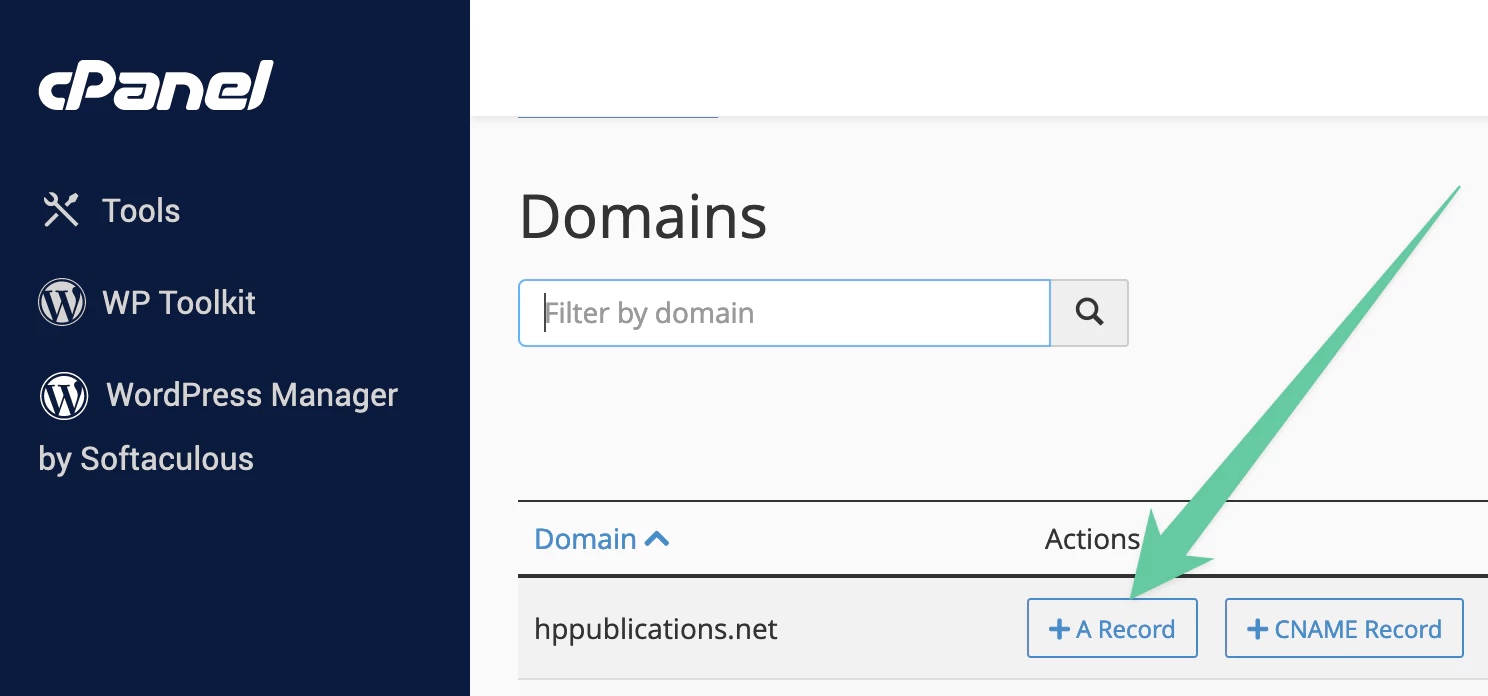
An A record assigns an IP address of the server to a subdomain. In this tutorial we will walk you through creating one.

MX records are created if you want your email to be handled by another server. Here is how to setup a MX record.
Here’s a step-by-step guide on how to change your primary language in cPanel using the Jupiter theme: Log in to your cPanel account. On the cPanel home page, look for the Preferences section. Under Preferences, find and click on the Change Language option. In the...

How to change your cPanel password This demo assumes you've already logged in to cPanel, and are starting on the home screen. Now let's learn how to change the cPanel password. Log in to your cPanel account, starting at the home screen. In the top sidebar, search for...

Instructions on creating a domain alias from within cPanel.