Steve and Wendy Richardson are the kind of clients you dream of working with—thoughtful, passionate, and deeply invested in their business. For years, they ran a thriving local service, supported by a clean, professional website built by a designer they trusted. He handled everything: the design, the hosting, and—critically—the domain registration.
When he announced he was leaving the business and moving out of town, Steve and Wendy didn’t panic. After all, the site was still live. They assumed they’d have time to sort things out.
But time ran out.
Their domain expired. And with it, their digital identity vanished.
They lost:
- Their website
- Their email addresses
- Their SEO rankings
- Their branded materials—letterhead, business cards, brochures—all now pointed to a domain they no longer owned
They hired me to help recover what they could. I contacted Wix, the platform where the domain had been registered. Unfortunately, because the designer’s email was listed as the owner, Wix classified the situation as a dispute. The only way to transfer ownership was for the designer to click a release link.
We emailed. We called. We waited.
Nothing.
Once the domain entered the 90-day expiration window, Wix sold it to a third-party company. That company held the domain hostage, demanding a hefty ransom to return it.
Steve and Wendy made the brave decision not to be blackmailed. Instead, they rebranded with a new .net domain—and this time, they own it. I made sure of it.
🧠 Why Domain Ownership Matters
Your domain name is more than just a web address. It’s your brand’s digital fingerprint. Losing it can mean:
- Loss of credibility: Clients may think you’ve gone out of business.
- Broken links: Years of SEO and backlinks vanish.
- Email disruption: If your email is tied to your domain, you lose access.
- Costly rebranding: You’ll need to update every piece of marketing collateral.
And worst of all? You may have no legal recourse if someone else owns your domain.
🔍 How to Check Who Owns Your Domain
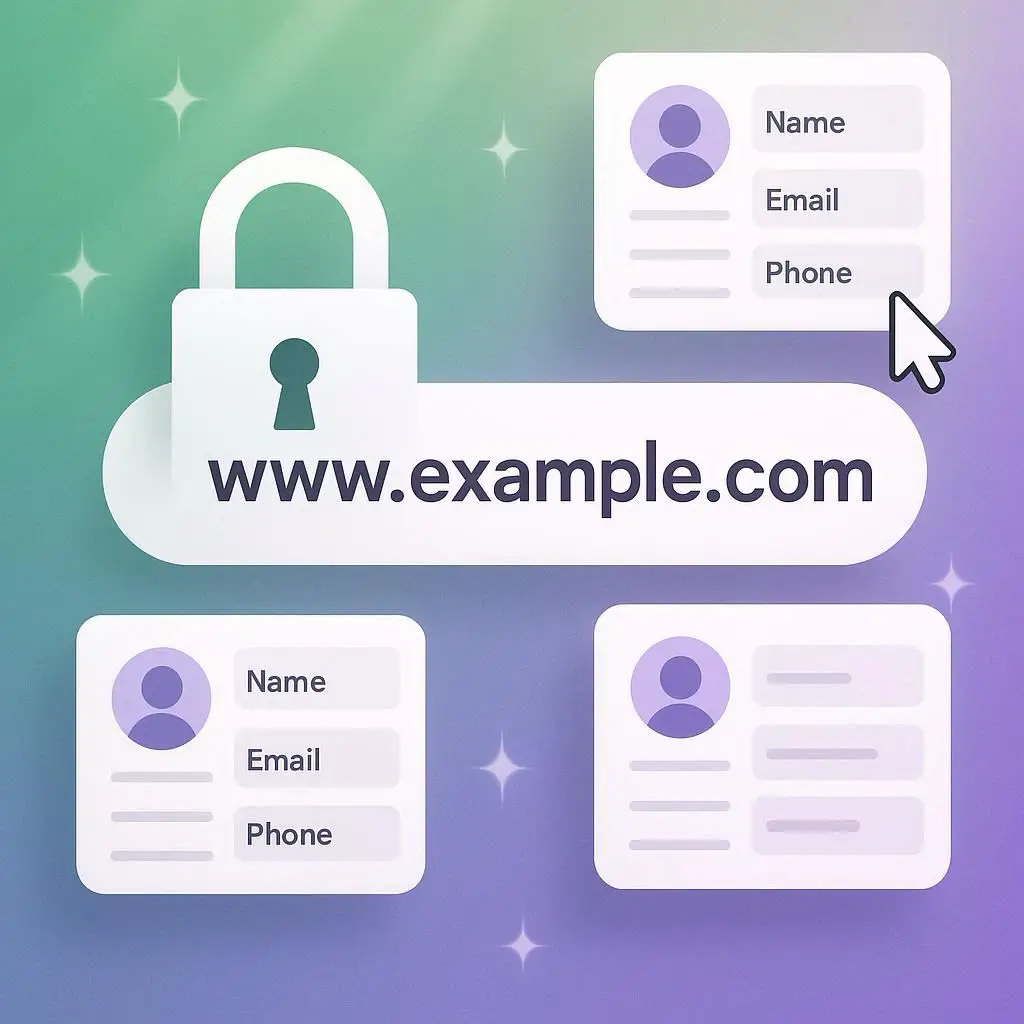
If you’re unsure who owns your domain, start with a WHOIS lookup. This tool shows the registered owner of a domain—unless it’s privacy protected.
Try these sites:
Look for:
- Registrant Name: This should be you or your business.
- Registrant Email: Make sure it’s an email you control.
- Registrar: The company where your domain is registered (e.g., Domain.com, Namecheap, Google Domains)
If you see your designer’s name or email, it’s time to act.
🔄 Closed Loop Marketing: Control vs. Convenience
Another client of mine is currently navigating a marketing pivot. He’s been advised by a “guru” to implement closed loop marketing—a system where every customer interaction is tracked from first click to final sale.
Closed loop marketing can be powerful. It helps you:
- Understand your customer journey
- Optimize ad spend
- Improve conversion rates
But here’s the catch: the guru wants to control the domain.
That’s a red flag.
You can absolutely have closed loop marketing without giving up domain ownership. Here’s how:
✅ Smart Setup for Control and Flexibility
- Register your domain yourself at a trusted registrar like:
- Namecheap
- Google Domains
- Hover
- Squarespace (if you’re using their platform)
- Point your domain to your marketing provider or web designer. This means:
- You keep ownership
- They can still build and manage your site
- You can revoke access or make changes anytime
Once someone else controls your domain, I can’t help you recover it. I can’t make updates. I can’t protect you from expiration or disputes.
🛡️ How to Keep Control of Your Domain
You have two solid options:
1. Register Through Pastis Enterprises
We offer domain registration with:
- Transparent ownership (you’re always the registrant)
- Strategic setup (pointing to the right nameservers)
- Ongoing support (we help you manage renewals and updates)
This is ideal if you want a hands-off experience but full control.
2. Register Elsewhere, Point to Us
Prefer to use your own registrar? No problem. Just:
- Register the domain in your name
- Use our nameservers to point to your Pastis Enterprises site
- We’ll help configure everything while you retain ownership
Either way, you stay in control. You hold the keys. You decide who gets access.
📥 Free Download: Domain Ownership Checklist
Want to make sure your domain is protected? Download our free Domain Ownership Checklist to audit your current setup and avoid costly mistakes.
✅ Know who owns your domain
✅ Confirm your registrar and renewal settings
✅ Learn how to point your domain safely
✅ Get tips for working with designers and marketers without giving up control
🧭 Final Thoughts: Your Domain Is Your Digital Home
Imagine your domain as the deed to your house. Would you let your contractor keep the deed just because they built the kitchen?
Of course not.
Steve and Wendy’s story is a cautionary tale, but it’s also a reminder: you can rebuild, rebrand, and reclaim your digital presence. And when you do, make sure you’re the one holding the keys.
If you’re unsure about your domain status, let’s check it together. If you’re launching something new, let’s build it on solid ground. And if you’re being pressured to hand over control, let’s talk strategy before you sign anything.
Your brand deserves protection. Your vision deserves freedom. And your domain deserves to be yours.